Postgres client for Mac, Windows and Linux
A better home for your Postgres databases.
A fast, lightweight Postgres client with a clean, modern feel, and an AI assistant that can read everything and change nothing.
Ask AI
Ask anything. Change nothing.
Ask a question in plain English. The assistant looks at your schema, writes the SQL, runs it, and shows you every query along the way. It can read your data, but it has no way to change it.
It can't change your data
Not a setting, and not a prompt it could be talked out of. The assistant has no way to write.
- Only SELECT-style queries are allowed
- Every query runs in a read-only transaction
- Changes it suggests are written out for you to run
It knows your database
Your real tables and relationships go in with every question, so its joins use keys you actually have.
- Tables, columns, types, and foreign keys
- Enum values and rough row counts
- Your app's code too, if you attach a repo
It shows its work
You never get just an answer. Every step comes with the query behind it.
- The exact SQL and row count for each step
- Open any query in the editor and keep going
- Export the full result as a CSV
Filters
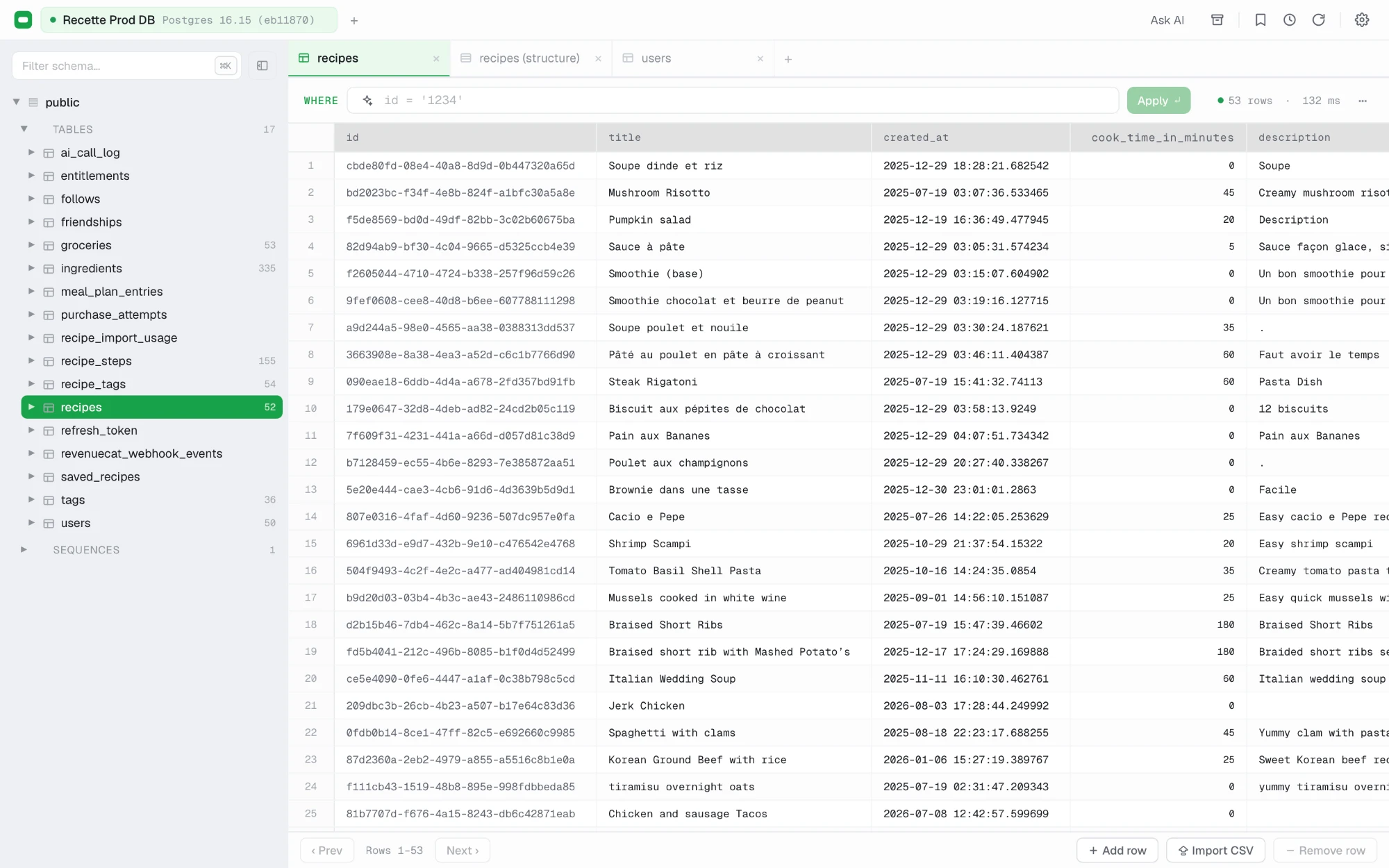
Describe the rows you want.
Type what you’re looking for, like “orders over $100 last week,” and CubbyDB turns it into a WHERE clause on the table you’re viewing. The SQL stays in the filter bar, so you can read it, adjust it, or clear it. Prefer writing SQL yourself? The same bar takes that too.
- ▦public.subscriptionsTable
- ▦public.usersTable
- ⌗cancels by plan.sqlQuery
- ✦Why did MRR dip in August?AI chat
- ƒrefresh_mrr_dailyFunction
Cubbies
Pick up right where you left off.
A cubby holds the tables, saved queries, and AI chats for one task. Open it next week and every tab comes back at once.
- Links, not copies
- A cubby points to your tables and saved queries instead of copying them. Edit a query anywhere and every cubby stays up to date, and deleting a cubby never deletes what's in it.
- Its tables stay on top
- While a cubby is open, its tables sit at the top of the schema tree, so you're not scrolling through hundreds of tables to find the five you need.
- The AI knows what you're working on
- Ask AI gets full detail on a cubby's tables with every question, even when the rest of a large schema has to be summarized.
Try it on your own database.
Every feature is free for 7days, with no account and no card. If it earns a place in your day, it’s $20 once.
Version 0.1.23 · Windows & Linux